

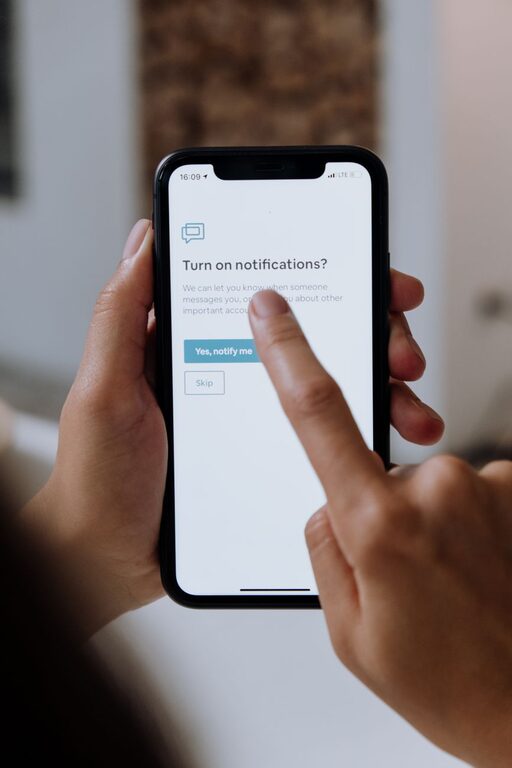
In today’s digital world, notifications are everywhere—popping up on our phones, computers, and even smartwatches. While they keep us informed, constant alerts can also interrupt our focus, increase stress, and reduce productivity. Setting clear boundaries with notifications helps create a more balanced and mindful relationship with technology. In this post, we’ll explore practical tips to manage notifications effectively and improve your daily workflow and personal time.
Why Setting Boundaries with Notifications Matters
Notifications are designed to grab our attention, often causing distractions. When notifications are frequent and unmanaged, they:
– Break concentration and workflow
– Increase feelings of urgency or stress
– Encourage multitasking, reducing quality of work
– Interrupt personal or family time
By setting boundaries, you regain control over your day and can focus on what truly matters.
1. Audit Your Notifications
Start by understanding what types of notifications you receive and from which apps or sources. Take a day or two to notice which alerts feel urgent and which ones are simply noise.
How to audit:
– Check notification settings on your phone, computer, and other devices.
– Make a list of apps sending frequent notifications.
– Identify alerts you can do without or check less often.
2. Customize Notification Settings
Most devices and apps allow you to customize notification preferences. Adjust settings to reduce unnecessary interruptions.
Tips for customization:
– Turn off non-essential notifications completely.
– Enable “Do Not Disturb” mode during focused work periods or at night.
– Use mute or silent modes for less important channels.
– Set priority notifications only for trusted contacts or urgent apps.
3. Schedule Notification-Free Time
Creating dedicated blocks of time without notifications helps deepen focus and recharge.
How to implement:
– Use calendar blocks labeled “Focus Time” or “No Notifications.”
– During these times, turn off notifications or silence devices.
– Inform colleagues or family about your availability to minimize interruptions.
4. Use Technology to Your Advantage
There are tools designed to help manage notifications and reduce distractions.
Helpful tools include:
– Focus mode or focus assist features built in phones and operating systems.
– Apps that manage notifications by grouping or pausing alerts.
– Email filters and rules that prioritize important messages.
Experiment with different tools to find what fits your workflow.
5. Create Clear Rules for Work and Personal Notifications
Separating work and personal notifications helps maintain boundaries.
Suggestions:
– Use separate devices or user profiles for work and personal activities.
– Disable work-related notifications outside of work hours.
– Set expectations with colleagues about response times.
6. Practice Mindful Notification Checking
Instead of reacting immediately to every alert, practice intentional checking.
Strategies include:
– Designate specific times to check messages and notifications.
– Avoid the habit of constantly glancing at your device.
– When a notification arrives, ask yourself if it requires immediate attention.
7. Regularly Review and Adjust Your Boundaries
Your needs and routines change over time, so periodically revisit your notification settings.
Tips for review:
– Reflect monthly on how notifications impact your focus.
– Adjust settings based on new apps or changes in work/personal life.
– Celebrate improvements and continue refining your approach.
Conclusion
Setting boundaries with notifications is a key step in managing your time and focus in a busy digital environment. By auditing alerts, customizing settings, scheduling notification-free periods, and practicing mindfulness, you can reduce distractions and enjoy a more balanced day. Start small, be consistent, and notice the positive difference in your productivity and well-being.
Remember, you control technology — don’t let it control you!